
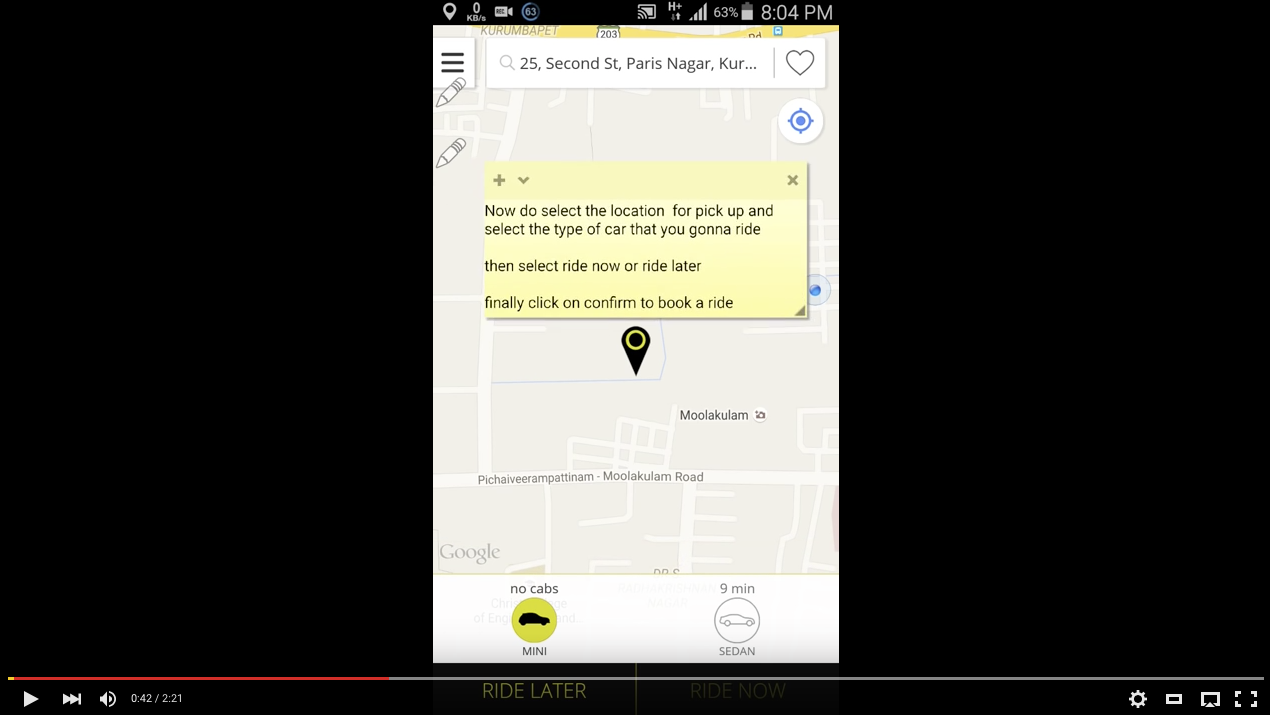
We automatically use GPS and Wi-Fi to set your pickup location. You may also enter an exact address or search for a venue name by tapping the pickup location bar. We also recommend entering your destination in the bar underneath the pickup address so your driver has it once you get in the vehicle.
Select from the available vehicle options by using the slider at the bottom of the map. Tapping on any of the icons will display rates for that option.
Once you’ve set your location and vehicle option, tap “Set Pickup Location” to request your ride.
Comments
0 comments
Please sign in to leave a comment.